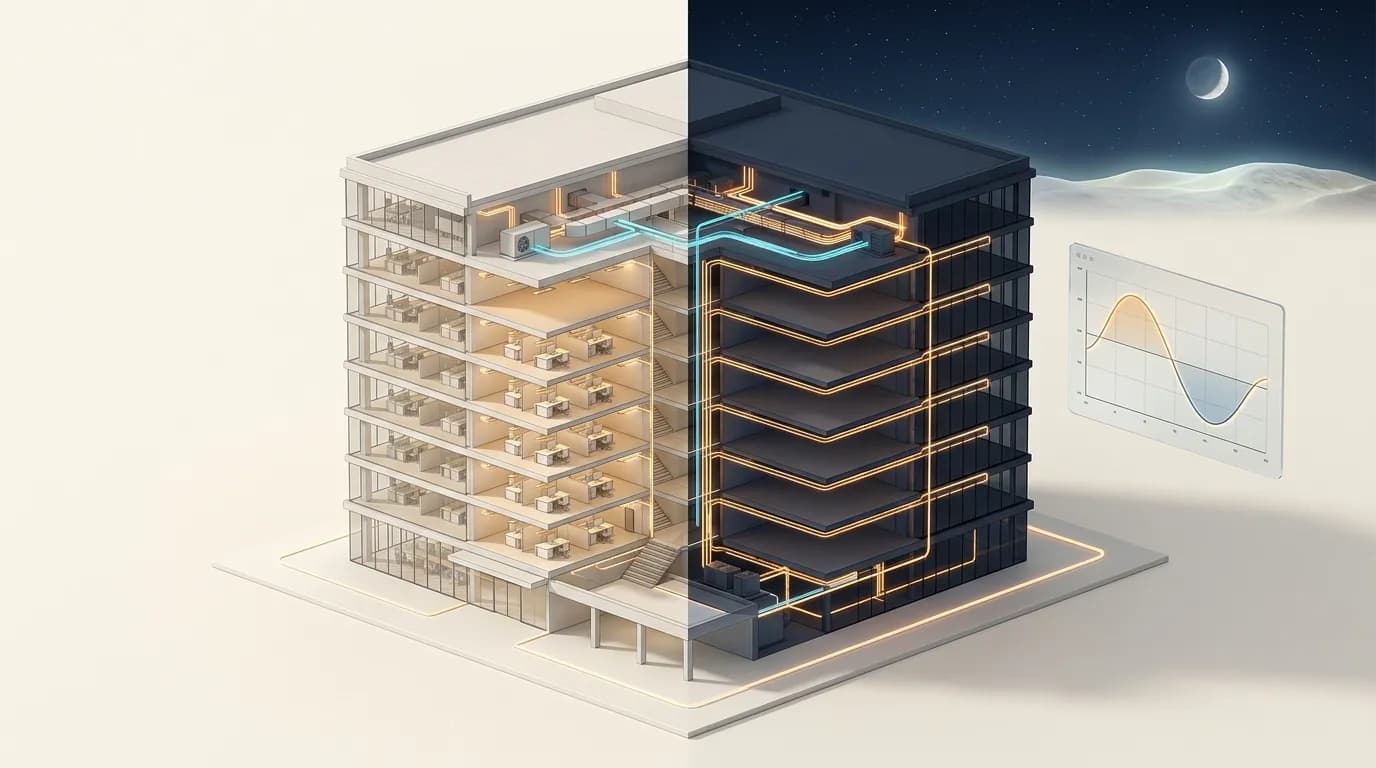
After-Hours Energy Waste: How Much Is Your Building Spending at Night?
It was 11 PM on a Tuesday. The store had closed five hours ago. Every customer was gone. Every employee had left. But the electricity meter was still spinning at nearly half its daytime rate.
The facility manager only noticed because she happened to check the monitoring app from her couch. Three HVAC units were running at full capacity. The back-office lights were blazing. A defrosting cycle had started two hours early. Nobody was there, but the building was burning energy like it was peak lunchtime.
This isn't unusual. It's happening right now in thousands of commercial buildings across Europe. And for most of them, nobody's watching.
Key Takeaways
- Commercial buildings consume 45-65% of total electricity during unoccupied hours (ScienceDirect, 2017)
- HVAC systems account for 40-50% of building energy, with 15-30% wasted through faults and bad controls (DOE, 2019)
- Phantom loads from standby equipment add 8-9% to a building's total electricity bill (UGIES)
- Occupancy-based controls reduce energy use by 22% on average (Schneider Electric, 2025)
- Real-time alerts can catch overnight anomalies within hours, not weeks
How Much Energy Does Your Building Use When Nobody's There?
Think about what that implies. Your building sits empty for 16 hours on weekdays and all weekend. That's roughly 76% of the week. Yet it's still drawing nearly half its peak load during those empty hours.
The overnight consumption that never drops to zero is called your base load. It includes everything that keeps running after the last person leaves: security systems, emergency lighting, servers, refrigeration, and any HVAC that's still cycling. Some of that is necessary. Much of it isn't.
Our finding: Across our portfolio of monitored retail and office sites, we've found that the average building's overnight base load runs at 42% of its daytime peak. The top performers sit at 25%. That gap represents pure waste for most operators.
The first step to cutting after-hours costs? Understand what your building actually does at night. Without that visibility, you're paying bills you've never inspected.
What's Driving Your Overnight Energy Bill?
But HVAC isn't the only culprit. After-hours energy waste comes from three main categories, each with its own fix.
HVAC Running on Autopilot
Most commercial HVAC systems operate on fixed schedules. Those schedules were probably set during commissioning. They may not reflect actual occupancy patterns at all.
A system programmed to start at 5 AM and shut down at 10 PM will run for 19 hours daily. If the building is only occupied from 8 AM to 6 PM, that's nine hours of unnecessary conditioning. Over a year, that adds up to thousands of euros.
What makes this worse? Seasonal shifts. A schedule that makes sense in winter becomes wasteful in spring. Without regular updates or smart controls, the same pattern repeats every day, every season.
Lights Nobody Sees
The Hidden Cost of Phantom Loads
Even when equipment is "off," it's often still drawing power. Coffee machines, vending machines, monitors, printers, phone chargers, water coolers. They all sip electricity in standby mode around the clock.
What Is Base Load Analysis and Why Does It Matter?
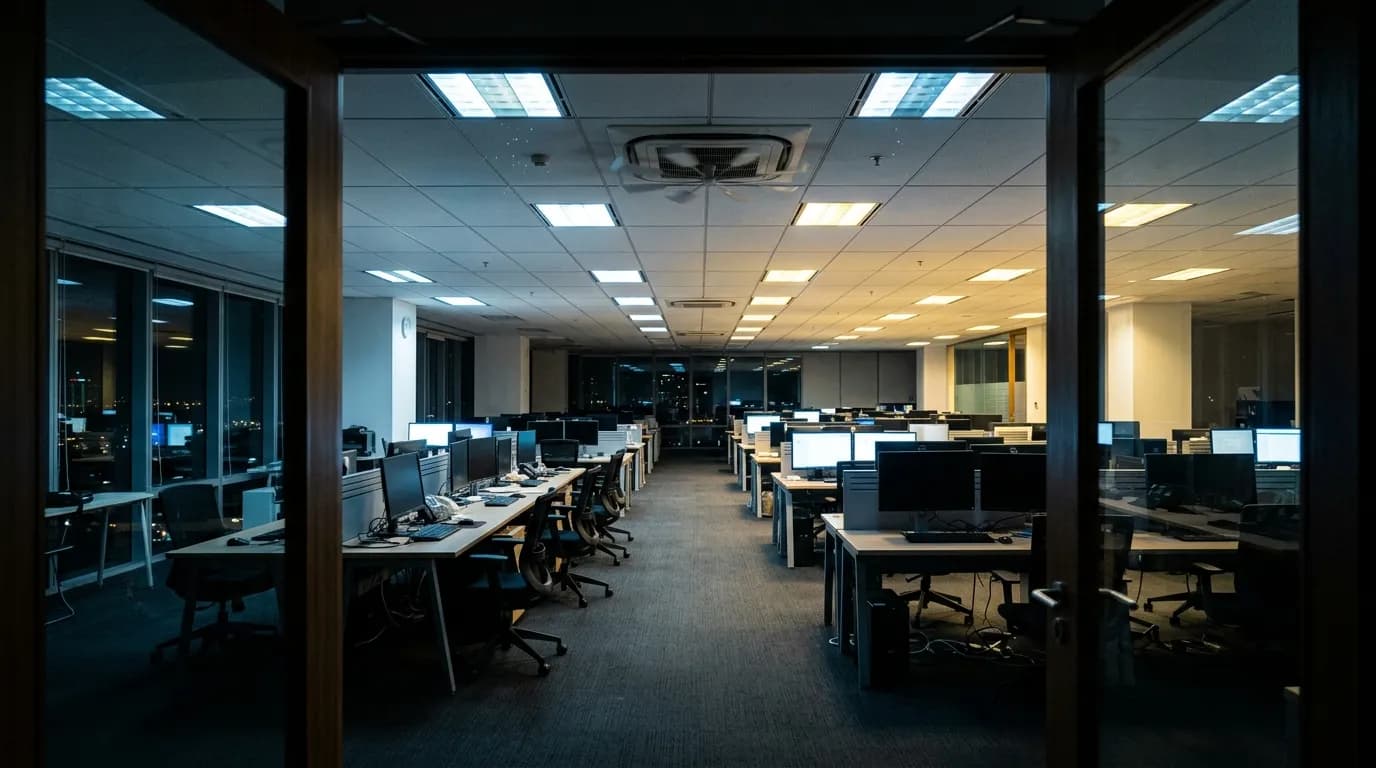
Your base load is the minimum energy your building draws when it's fully unoccupied. Think of it as your building's "sleeping" consumption. Understanding it reveals how efficiently your building rests, and where it's restlessly wasting energy.
Our finding: In our retail portfolio, buildings with optimized base loads spend 18-22% less on annual energy than comparable buildings that haven't been analyzed. The savings come almost entirely from eliminating overnight waste, not from daytime operational changes.
A simple way to start: compare your building's consumption at 3 AM on a weeknight to its peak consumption at 2 PM. That ratio tells you how much energy your building uses when nobody benefits from it.
How to Read Your Base Load Ratio
A healthy base load ratio depends on building type. But the benchmarks are clear.
For offices, your overnight consumption should drop to 20-30% of peak. If it's above 40%, something is running that shouldn't be. Retail stores should aim for 15-25%, excluding refrigeration-dependent stores. Logistics warehouses often sit at 10-20% of peak overnight.
How Do Seasonal Patterns Affect After-Hours Waste?
Summer and winter create very different overnight energy profiles. In summer, buildings retain heat from the day. Cooling systems often keep running long after close, fighting thermal mass. In winter, heating systems pre-warm buildings hours before opening. Both create significant overnight consumption that's easy to overlook.
Our finding: Across our portfolio, we see after-hours energy consumption increase by 35-45% between spring and peak summer. Most of that increase comes from HVAC systems that aren't adjusted for seasonal conditions. Buildings with automated seasonal scheduling avoid 60-70% of this spike.
What surprises most facility managers? The shoulder seasons. March and October are often the worst months for waste. HVAC systems switch between heating and cooling modes, sometimes running both simultaneously. Without monitoring, these conflicts go undetected for weeks.
What Happens in the First Week of Overnight Monitoring?
Here's what a typical first week looks like for a new monitoring deployment.
Our finding: In our onboarding data, 87% of new monitoring deployments identify at least one correctable after-hours anomaly within the first week. The average site finds three distinct issues. The most common? HVAC schedules that don't match actual operating hours.
What Quick Wins Can You Implement This Week?
Fix Your HVAC Schedules
This is the single highest-impact change. Walk into your BMS and check every HVAC schedule. Compare them to actual operating hours. You'll almost certainly find systems running one to three hours longer than needed on each end. Tightening schedules by even two hours daily saves roughly 12% of HVAC energy.
Install Occupancy Sensors in Key Zones
Deploy Smart Power Strips
For about 30-50 euros per strip, you can eliminate phantom loads from workstation clusters. When the primary monitor shuts down, the strip cuts power to peripherals. Across a 50-workstation office, that can save 2,000-3,000 euros annually.
Set Up After-Hours Alerts
Configure your monitoring system to flag any consumption above a defined threshold between closing and opening. Even a simple rule catches the obvious waste: doors left open triggering HVAC, lights left on, equipment not shutting down properly.
How Much Does Nightly Waste Really Cost Over a Year?
Here's where the numbers get uncomfortable. Small daily waste compounds into serious annual cost.
Consider a mid-sized retail building spending 120,000 euros per year on energy. If 45% of consumption happens after hours and 30% of that after-hours usage is unnecessary waste, you're looking at roughly 16,200 euros lost every year. That's 44 euros every single night flowing into heating, lighting, and powering equipment that benefits nobody.
Over five years, that's 81,000 euros. Enough to fund a comprehensive building management upgrade. Enough to pay for IoT sensors across an entire portfolio. And that's just one building.
Our finding: For our average retail client, eliminating identified after-hours waste generates savings of 8,000 to 22,000 euros annually per site. For a 10-site portfolio, that's 80,000 to 220,000 euros per year. Most of these savings require zero capital expenditure, only schedule adjustments and alert-based monitoring.
The compounding effect matters. Every night your building wastes energy is a night that money evaporates. Unlike a one-time equipment failure, after-hours waste is silent, repetitive, and relentless. It happens 365 nights per year.
How Do Real-Time Alerts Catch What Humans Miss?
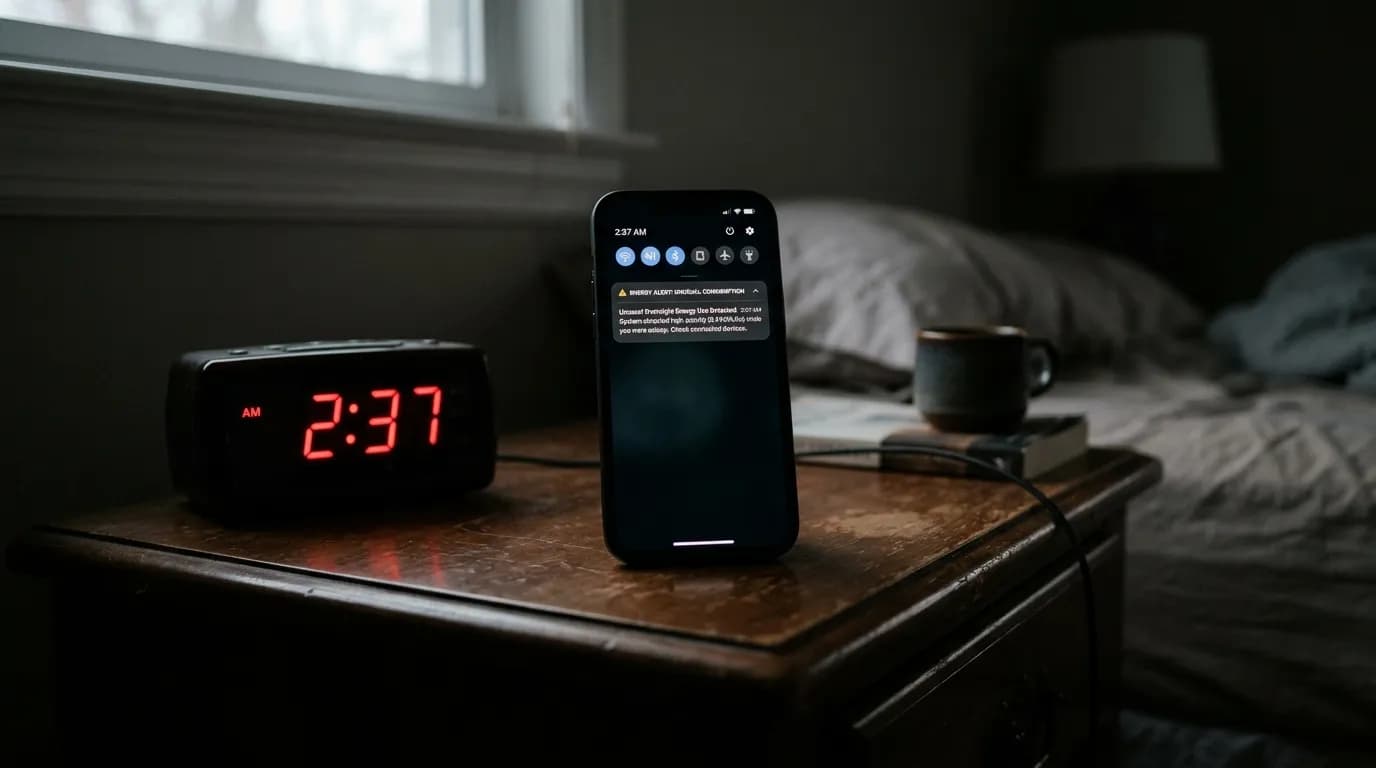
Nobody can monitor a building 24 hours a day. That's exactly why after-hours waste persists. Problems happen at 2 AM. The facility manager checks the dashboard at 9 AM. By then, seven hours of waste have already occurred.
Real-time alert systems change this equation entirely. When an HVAC unit fires up outside its schedule at midnight, the alert goes out immediately. The responsible person gets a notification. The problem gets addressed in hours, not days.
The key is filtering. Too many alerts create noise, and operators start ignoring them. Effective systems learn your building's normal patterns and only flag genuine anomalies. That's where AI-driven monitoring outperforms simple threshold rules.
What Should Your After-Hours Energy Strategy Look Like?
Reducing after-hours waste isn't a one-time project. It's an ongoing practice. Here's a four-step approach that works across building types and sizes.
Frequently Asked Questions
How can I tell if my building has excessive after-hours energy waste?
Compare your building's consumption at 3 AM on a weeknight to its peak at midday. If the overnight figure is above 40% of peak for an office or above 50% for a retail store without heavy refrigeration, you likely have correctable waste. Even a basic smart meter with hourly data can reveal this pattern.
What's the fastest way to reduce overnight energy consumption?
Adjusting HVAC schedules is the single highest-impact quick win. Most buildings run heating and cooling one to three hours longer than necessary on each end of the day. Tightening those schedules can reduce total HVAC energy by 8-15% with zero capital cost.
Do occupancy sensors work for after-hours energy savings?
How quickly does overnight monitoring pay for itself?
Most monitoring deployments identify actionable savings within the first week. Based on industry data and our experience, payback on monitoring investments typically occurs within 6-12 months. For buildings with significant undetected waste, the payback can be as fast as three months.